


First time installing a browser extension from a ZIP? Start with Installation. It shows where to click, which folder to select, and how to open Groovy afterward.
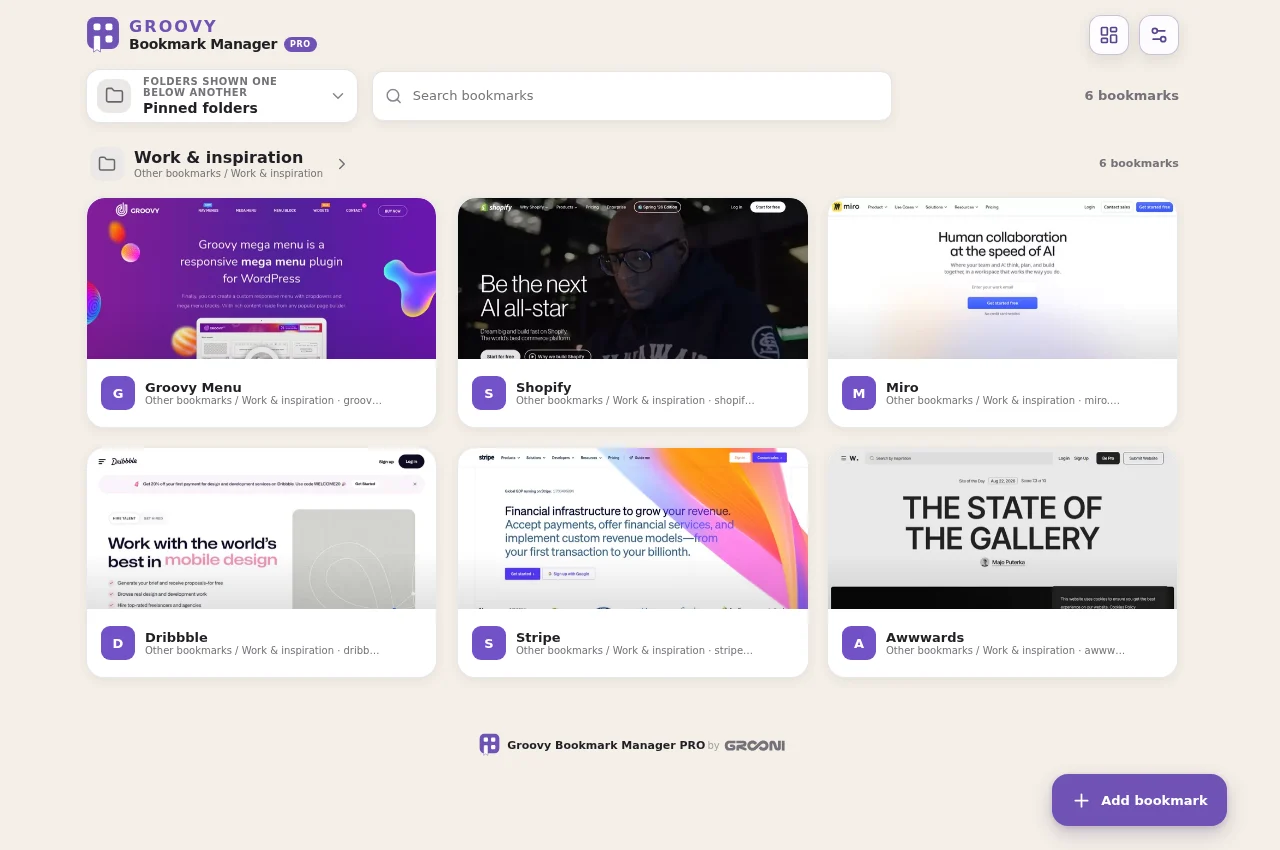
- Choose and install your edition.
- Open Groovy from its extension icon, or open a new tab if you installed the New Tab edition.
- Allow bookmark access. Groovy displays the bookmarks already saved in this browser profile.
- Choose a folder, open a site, and pin the folders you want to see on Home.
- Open Settings to adjust the theme, grid, and previews. Changes save automatically.
Free does not require a license. If you purchased PRO, follow PRO activation.
Before updating an existing installation, read Updating safely. Do not uninstall it or clear its data as a troubleshooting shortcut.